Planning digest
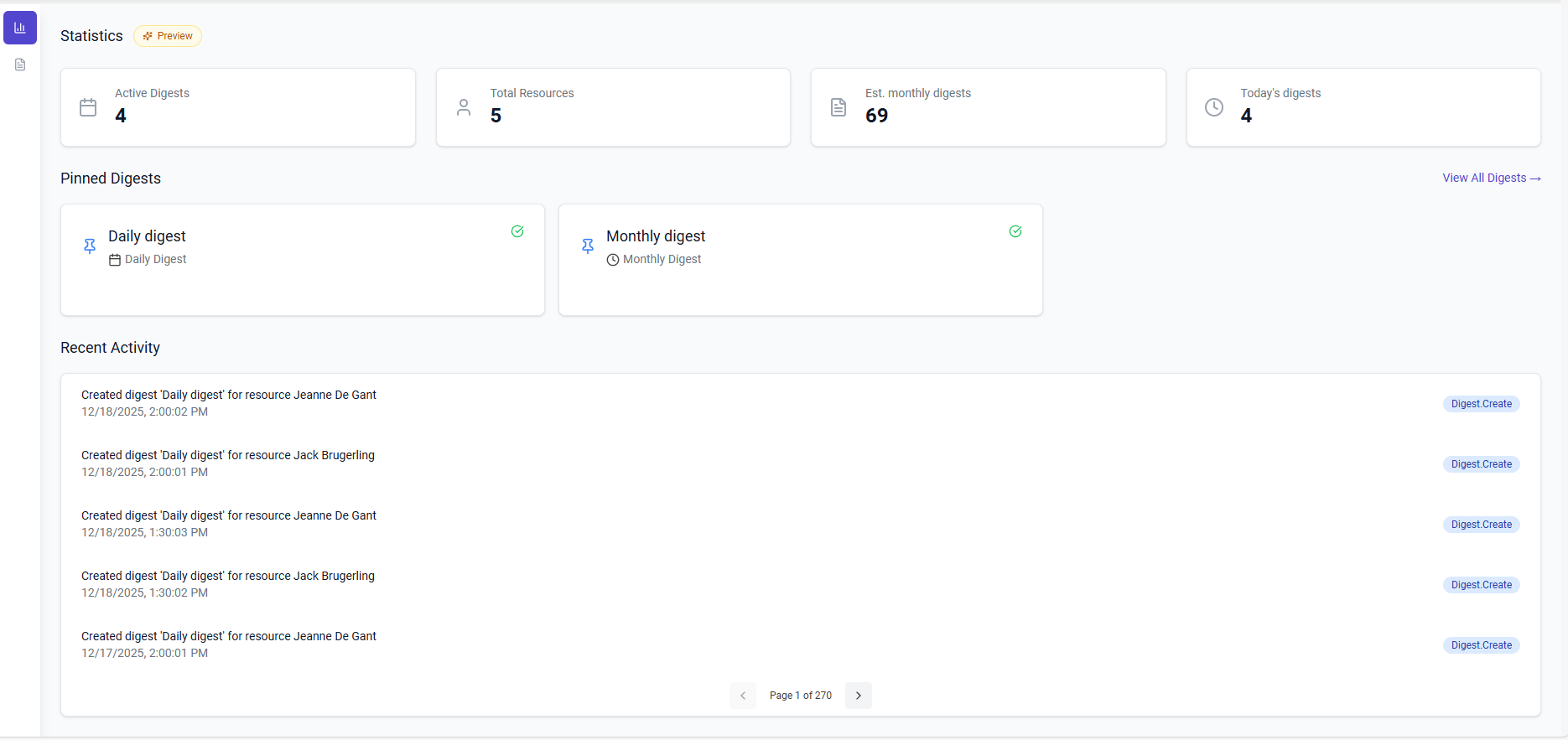
The planning digest emails a PDF of the schedule for a group of resourcesResourceAn entity that can carry out work - a person, vehicle, tool, or room - that you schedule on the planning board. on a fixed cadence: every day, every week or every month. It is the hands-off way to keep people informed. Instead of asking a crew, a subcontractor or a customer to open the app or check the agenda, the planning lands in their inbox at the time they expect it, and they can print it, forward it or read it on a phone.
Who it is for
The digest exists for the people who need to know the planning but have no reason to be in Dime.Scheduler every day. Recipients do not need an account or a license. They only need an email address, which makes the digest a good fit for:
- field crews and technicians who want their day or week on paper before they set off;
- subcontractors and partners who work for you on a few days and want their stops sent to them;
- customers and site contacts who want to know when to expect a visit;
- managers and dispatchers who want a daily or weekly overview of the whole team without opening the planning boardPlanning boardThe main graphical scheduling surface where dispatchers drag tasks onto resources across a timeline..
A digest can be set up in two ways, and this decides who receives it. One digest can go to a single shared inbox, which suits managers, dispatchers and anyone outside the organization. Or it can go to the resources themselves, each at the email address on their resource record, which suits crews and subcontractors who are set up as resources in Dime.Scheduler.
What recipients get
The email arrives from [email protected] with the subject Planning digest: name, where the name is the one the administrator gave the digest. The PDF is attached. It starts with the digest name and the period it covers, and then shows the planning one day at a time, each day under its own date heading.
Every appointmentAppointmentA task scheduled to a resource for a specific period - the scheduled instance you see on the planning board. appears as a card with its start and end time, its duration and its subject, followed by the extra details the administrator chose to include, such as the customer name and the jobJobA high-level container, comparable to a project, that bundles related tasks together with common information such as customer, billing, and address. number. Which details appear is a per-digest choice, so two digests from the same organization can look quite different.
How the days are organized depends on how the digest was configured:
- A digest that covers several resources can be laid out chronologically, with every appointment of the day in time order and the assigned resources named on each card. This reads like a team day sheet.
- It can instead be grouped by resource, with each resource's name, email and phone at the top of their section and a summary of the total tasks and hours per day. This reads like a set of individual schedules bound together.
- A digest can also be split into one PDF per resource, each containing only that resource's appointments and sent to that resource alone.
The period is always counted from the day the digest is sent, in the timezone the administrator chose for it: a one-day range is today's planning, a seven-day range is today and the six days after it. All times in the PDF are shown in that timezone. If a resource has nothing planned in the period, the PDF says so rather than arriving empty.
What to keep in mind
The digest is a snapshot taken when the email is generated. Appointments that move after that are not reflected until the next digest, so a daily digest sent early in the morning is the usual choice for crews, while a weekly one suits planning that is settled further ahead. For an always-current view, the agenda and the mobile app remain the places to look.
If you are a resource and a digest is sent "to resources", it goes to the email address on your resource record. If it does not arrive, that address is the first thing to check with your administrator.
Read more
- Planning digest in the administration guide explains how to create a digest and choose its schedule, scope, fields and recipients.
- Export covers one-off exports of the planning, as opposed to the recurring digest.