Settings
Settings
The settings screen is where you tailor how the mobile appMobile appThe companion app for field workers to see their schedule, update appointments and share GPS location from the field. behaves. Open it from the main menu. The current edition offers the following options:
- Visible working hours: Drag this slider to set the time range shown on the planning boardsPlanning boardThe main graphical scheduling surface where dispatchers drag tasks onto resources across a timeline. in the mobile app.
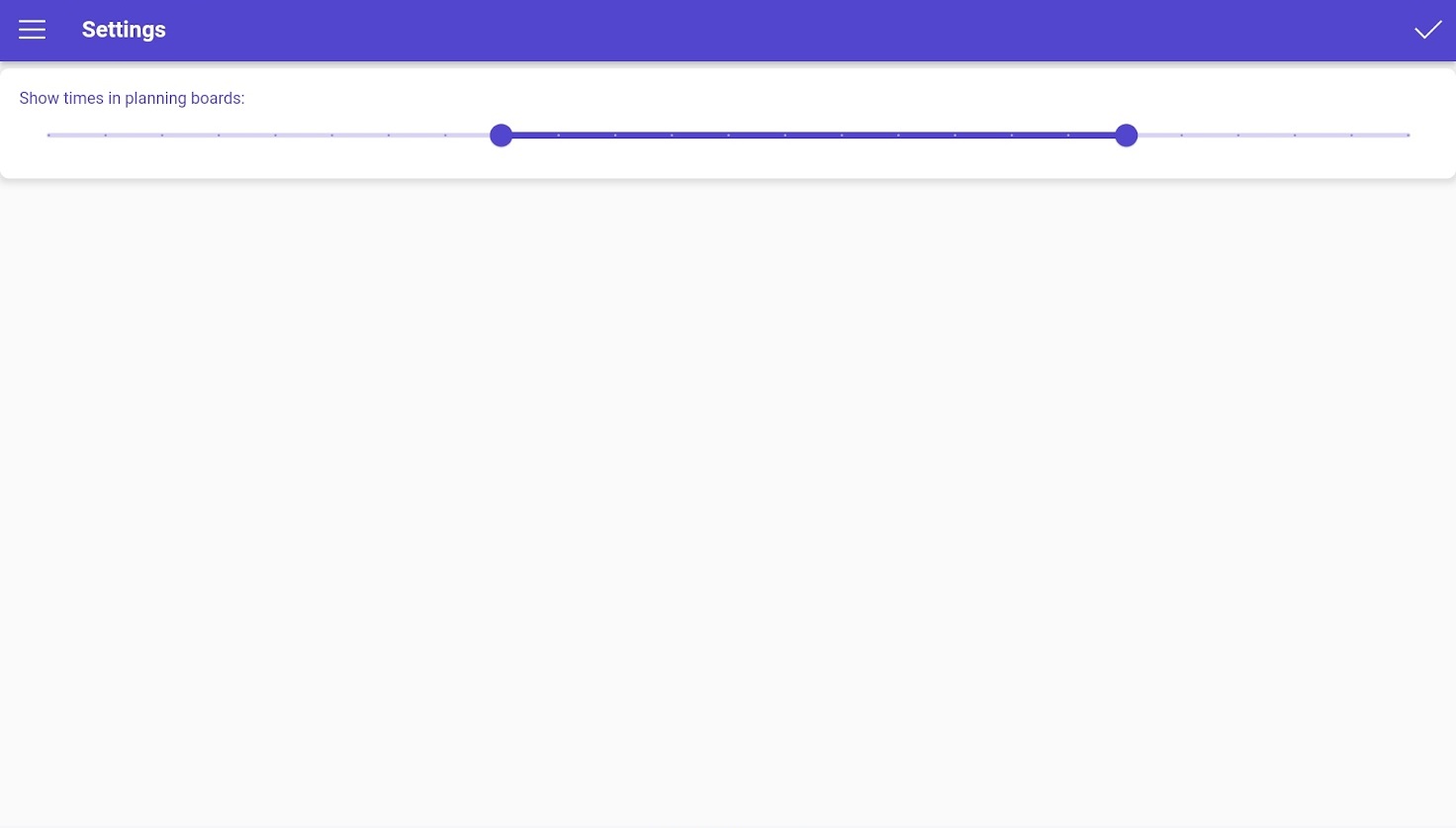
The choices you make here affect how information is displayed throughout the app, so you can match the experience to your working patterns.