Triggers
Use triggers to run a Power Automate flow whenever an appointmentAppointmentA task scheduled to a resource for a specific period - the scheduled instance you see on the planning board. is scheduled. Dime.Scheduler invokes the flow directly from these appointment events:

Source App
A trigger needs a name and a source appSource appAn identifier Dime.Scheduler attaches to data so it can route a change back to the correct back-office system.:
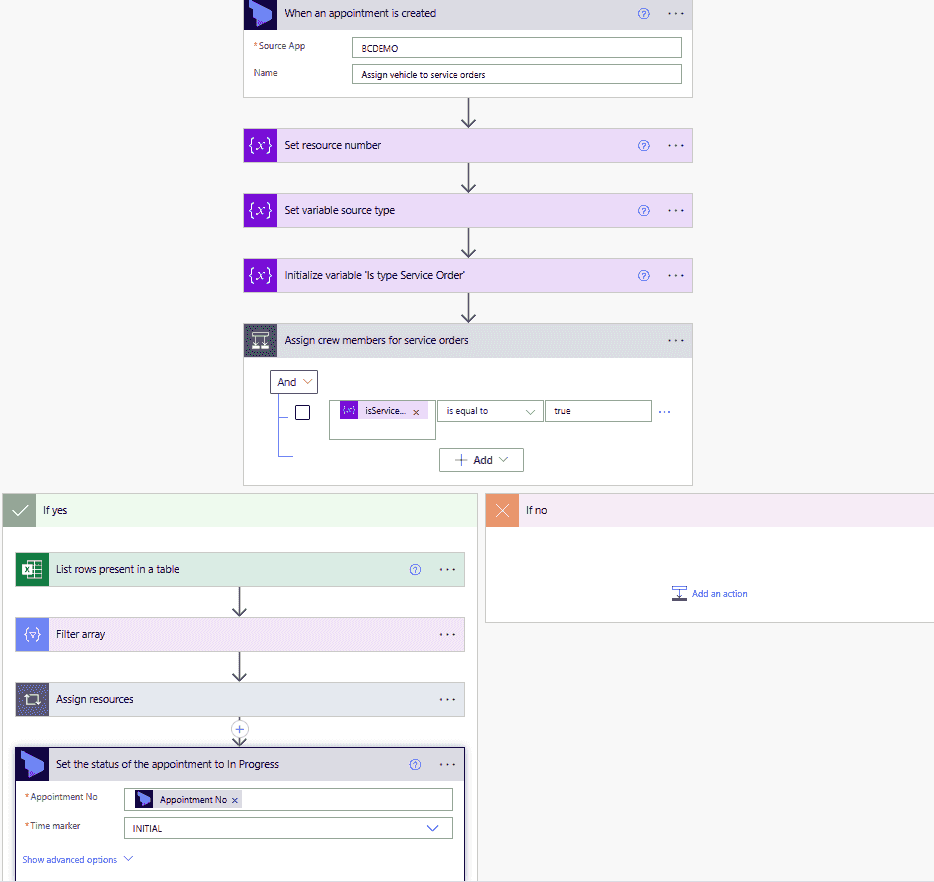
The source app identifies which back-officeBack officeThe ERP or business system Dime.Scheduler plans for - most often Microsoft Dynamics 365 Business Central. It owns the master data and remains authoritative over what it receives. system the resourcesResourceAn entity that can carry out work - a person, vehicle, tool, or room - that you schedule on the planning board., tasksTaskA unit of work that belongs to a job. It appears in the open task list until it is scheduled to a resource. and appointments belong to. You can point a connector at another system, such as Business Central, to handle ancillary tasks like sending emails, and reuse the same source app identifier as the BC administration.
When an appointment is planned that maps to this source app, the Power Automate flow runs.
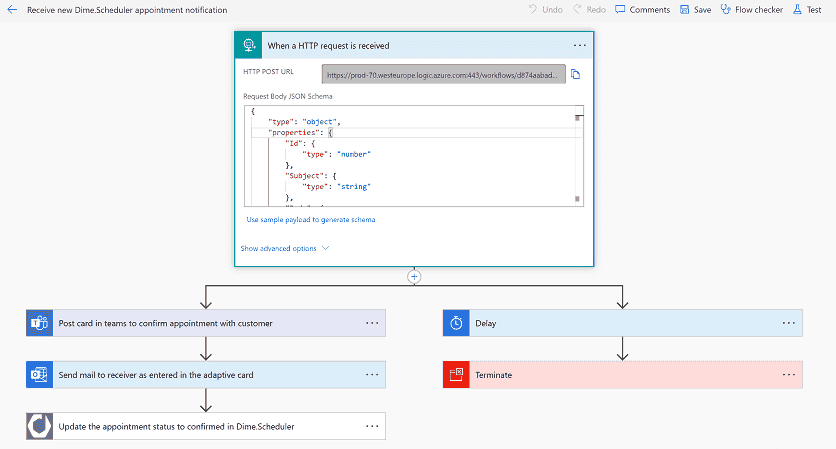
Alternative: Power Automate HTTP trigger
Instead of the triggers we provide, you can use the webhook connector to invoke the generic HTTP trigger in Power Automate: