Creating tasks
To create a task from the Power Platform, you need both a job and a task in Dime.Scheduler. For the reasoning behind this, see From job to appointment.
Every task references a job, which is roughly the equivalent of a project or an order. The job holds customer info, contact details, addresses, and so on. A task is the lowest unit of work to be carried out, and the job is finished once all its tasks are complete.
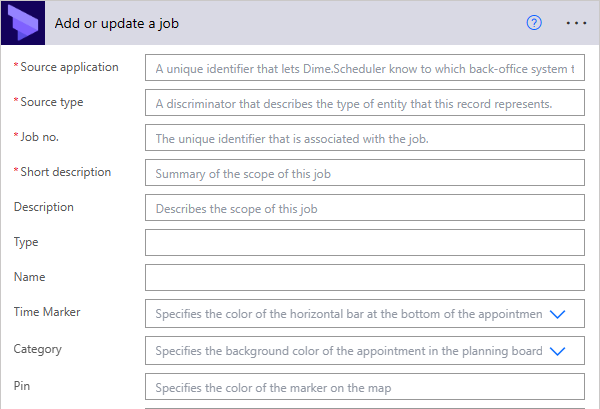
The job holds the general information about the project:
The task holds the details about the actual work to be done:
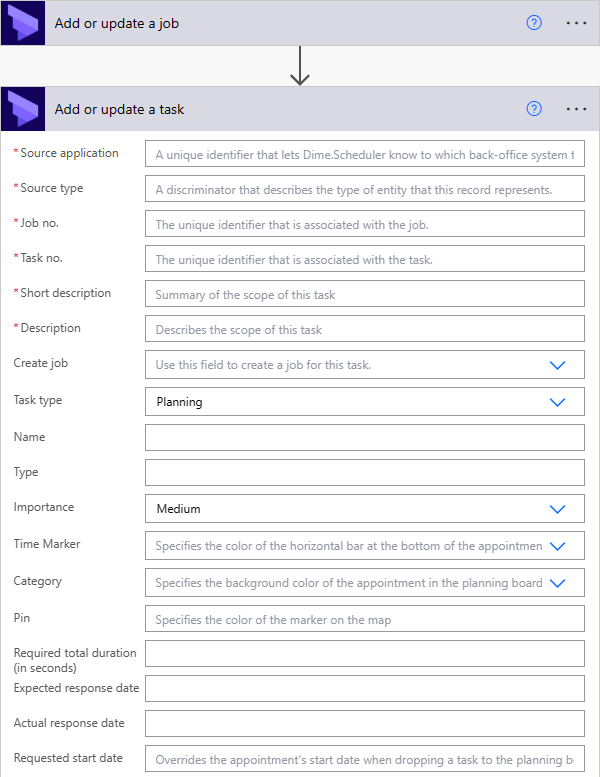
Every field is documented in the job and task API references. The task action also includes a shortcut flag called Create job. For simple tasks that don't need the full set of fields exposed at the job level, this flag takes a few fields and creates the job for you. A job is still created, just implicitly and automatically.