Using the Power Platform connector
Use the certified Dime.Scheduler connector in any Power App, Power Automate flow, or Logic App. For the complete list of supported actions, see the Microsoft connector reference.
Power Automate Flows
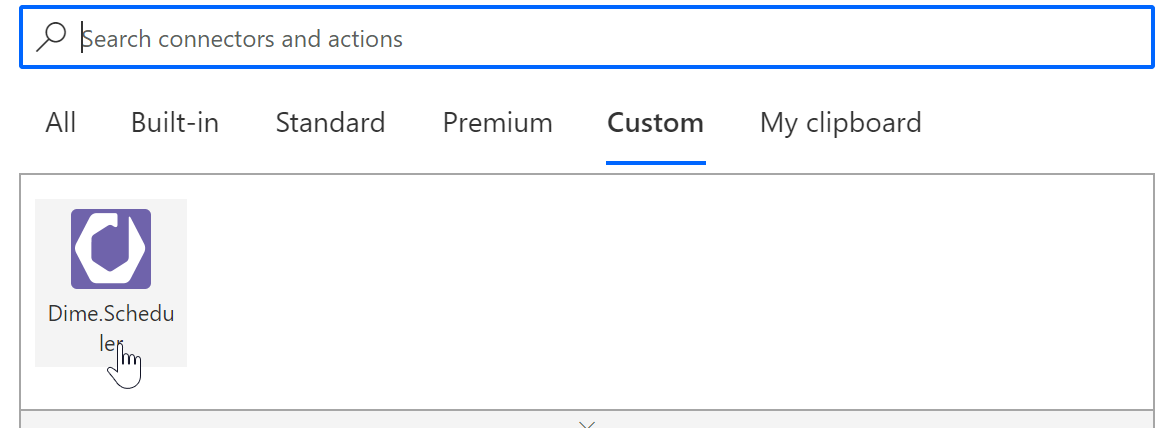
You'll find the connector in the 'Premium' section:
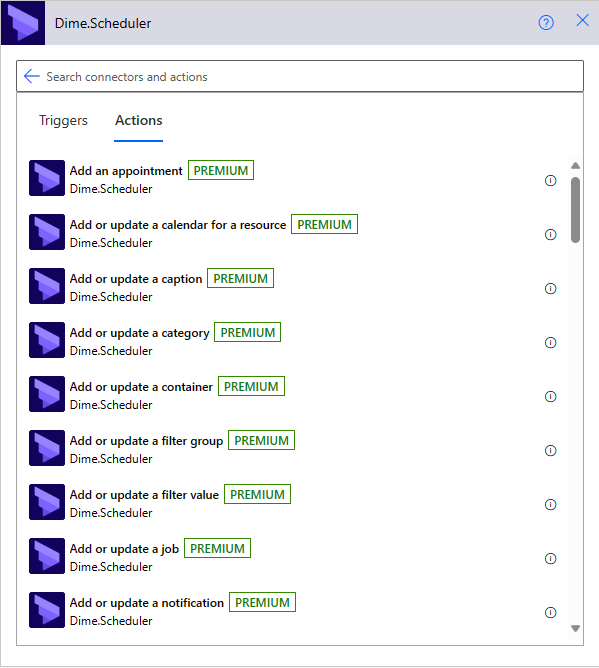
Selecting the connector shows all the actions you can run:
Power Apps
The formula bar lets you invoke the same actions as in Power Automate flows. The formula below creates a new task for order 'POWERAPP_001':
'Dime.Scheduler'.Task(
{
    'ds-append': true,
    sourceApp: "POWERAPPS",
    sourceType: "POWERAPPS",
    jobNo: "POWERAPP_001",
    taskNo: ThisRecord.'Task No'.Value,
    shortDescription: ThisRecord.Description.Value,
    description: ThisRecord.Description.Value
});
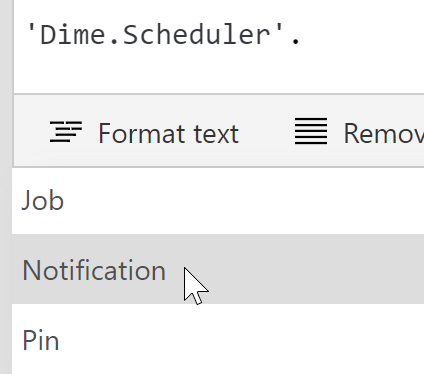
Power Apps intellisense makes it easy to find the right action: