Group Capacity
Resource group capacity sync is currently in preview. Functionality and behavior may change between releases. Not recommended for production yet.
Send capacity for a whole resource group in one action instead of resource by resource. Alongside the standard Resources table in Dynamics NAV, Dime.Scheduler uses the standard Resource Group Capacity matrix to create capacity entries, which surface in the capacity component.
This works much like resource capacity, with one advantage: you generate data in bulk and apply the same capacity setup to every resource in a group.
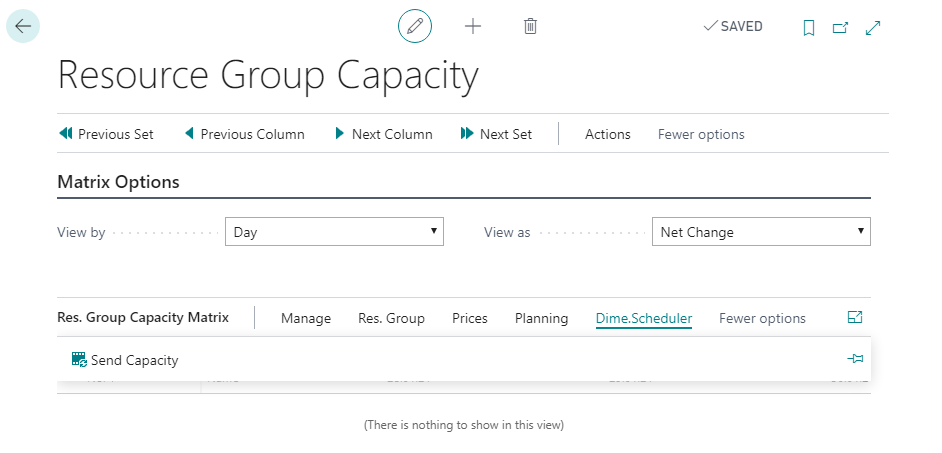
To do this, select the resource group you want to update and click the Send Capacity button:
A window pops up and prompts you for a start and end date. The 'Resource Group' is set automatically to the group you selected in the matrix:
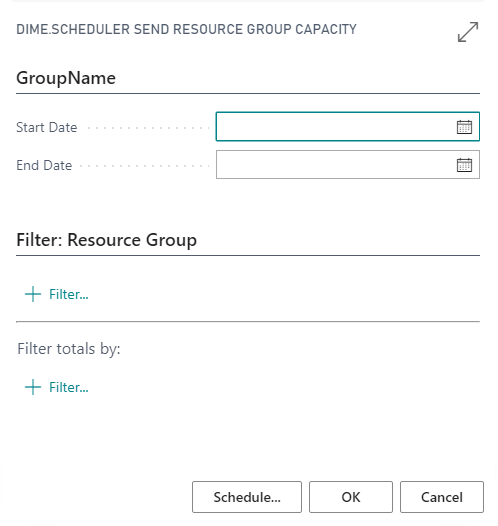
Click OK to generate the capacity entries for every resource that belongs to this resource group.