Accessing the Exchange Connector as a resource
Resources manage their own Exchange synchronization preferences. When a resourceResourceAn entity that can carry out work - a person, vehicle, tool, or room - that you schedule on the planning board. is added to the Dime.Scheduler Exchange connectorConnectorAn integration that links Dime.Scheduler to a back-office system, routing data in and scheduling decisions back out. - by the administrator or automatically by the scheduled resource synchronization jobJobA high-level container, comparable to a project, that bundles related tasks together with common information such as customer, billing, and address. - the system creates a user account for that resource. The connector has two user account types: administrators and resources. Each resource is assigned a resource user account.
A resource user account can only access and modify its own synchronization preferences:
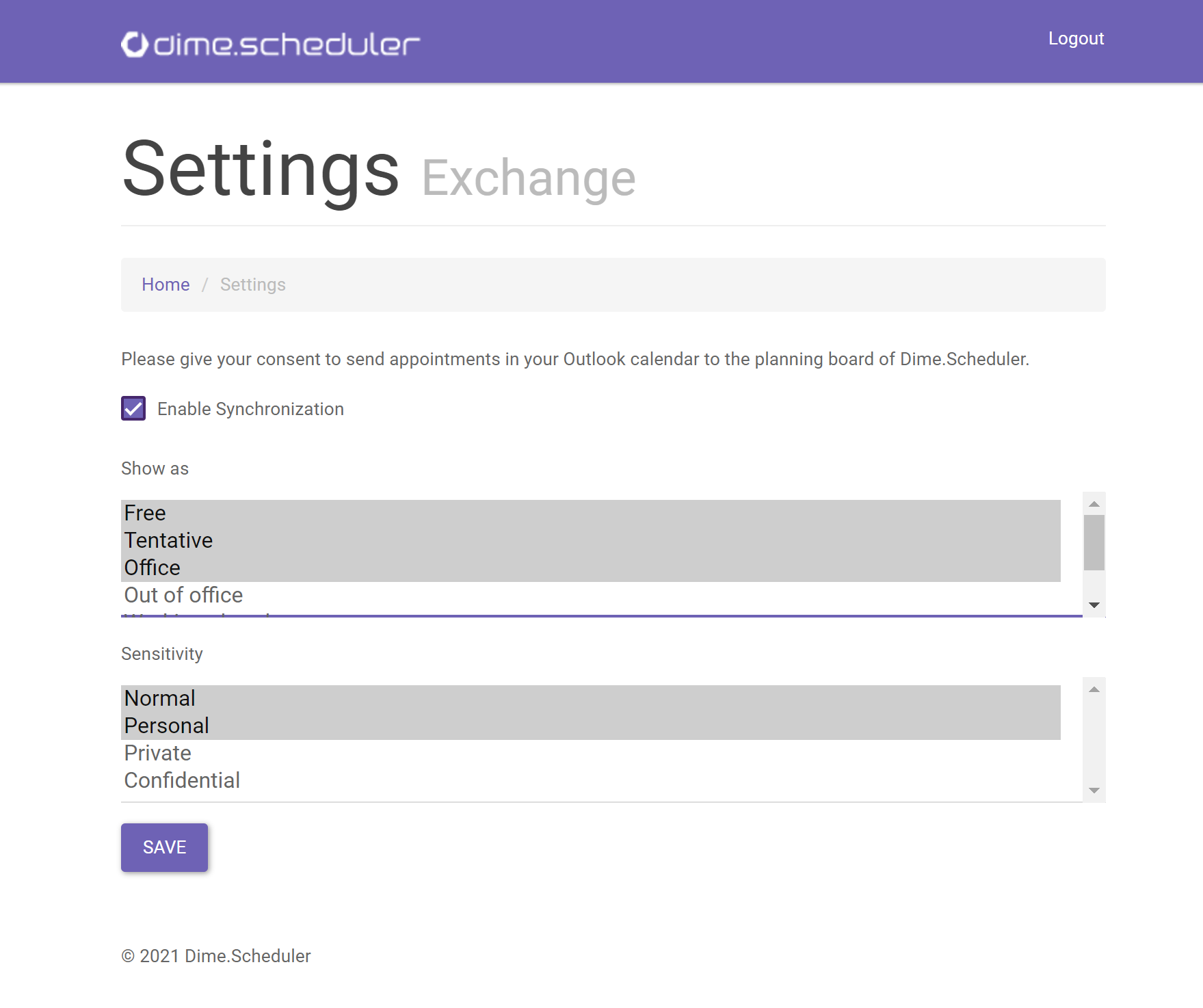
Resources can manage whether they will allow events in their calendar to synchronize back to Dime.Scheduler and if so, can specify which events based on the following metadata:
- Busy status, also known as the 'Show as' field in Outlook
- Sensitivity, also known as the 'Private' toggle button
Note that administrators can always override these settings when necessary from the resources page of the connector.