Work Centers
In manufacturing, the work center is where the work actually happens, so a planner who schedules production needs those work centers to exist on the planning board as something they can drop jobs onto. This integration sends your Business Central work centers to Dime.Scheduler, where they show up as resources alongside everything else you plan. Once that link is in place, scheduling against a work center is no different from scheduling against a person or a piece of equipment. This page covers how to turn work center planning on and the two small additions the integration makes to the work center pages.
Setup
Enable work center solution
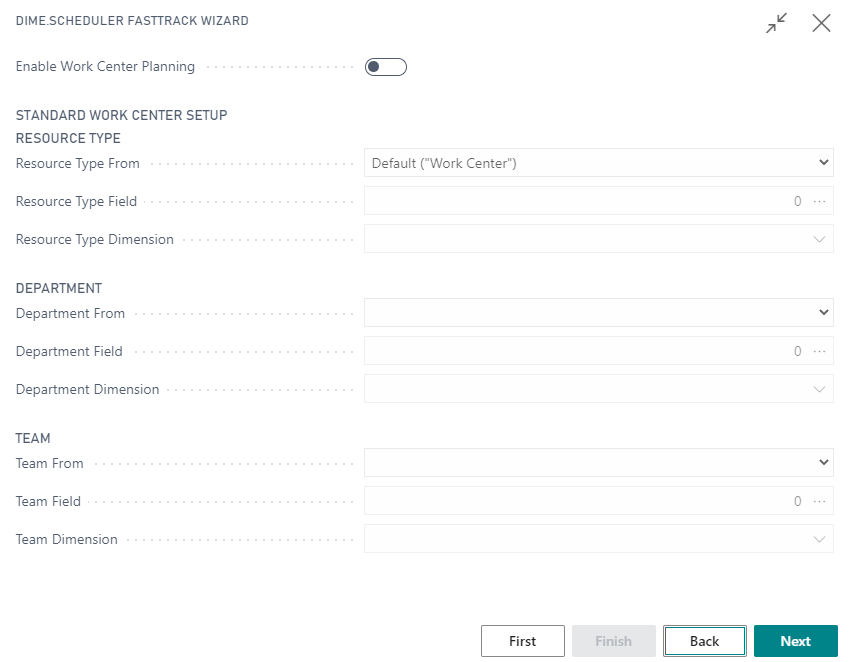
Work center planning is off until you ask for it. In the FastTrack wizard, select Enable Work Center Planning to switch on the solution.
Usage
Actions
The integration extends the default actions on this page with the following items.
List Actions
The list actions match the standard pattern shared across the connector. See common actions for an overview of the list actions for this type.
Card actions
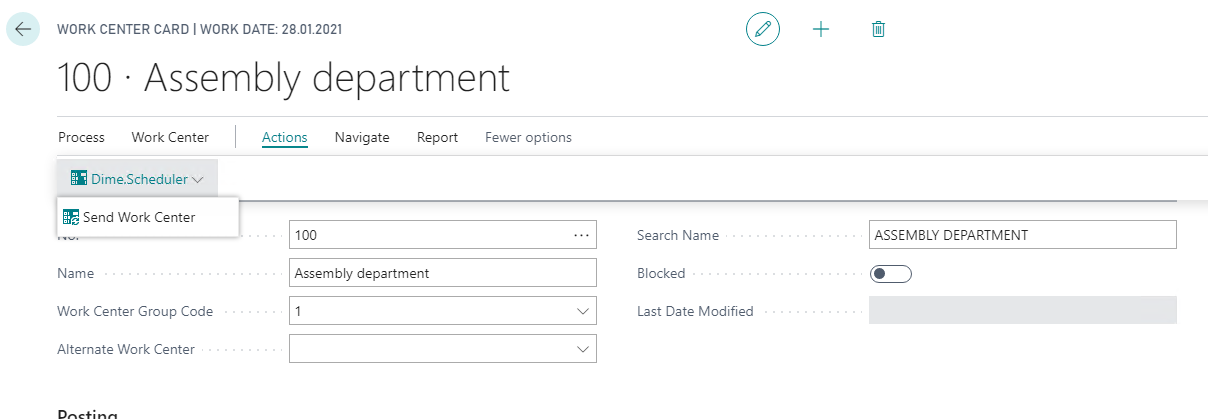
From the work center card you can push a single record on demand with one new action:
- Send work center
Fields
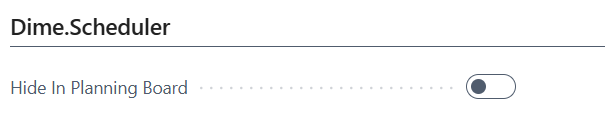
Not every work center belongs on the board. Alongside the standard fields, the integration adds one field that lets you keep a work center in Business Central without cluttering the planner's view:
- Hide in planning board