Machine Centers
A machine center in Business Central is the unit you actually load: the machine, line, or station that work is booked against. Send it to Dime.Scheduler and it becomes a schedulable resource on the planning board, so the planner can see at a glance which machine is free and which is already committed, and drag jobs onto capacity instead of guessing at it from a spreadsheet.
Setup
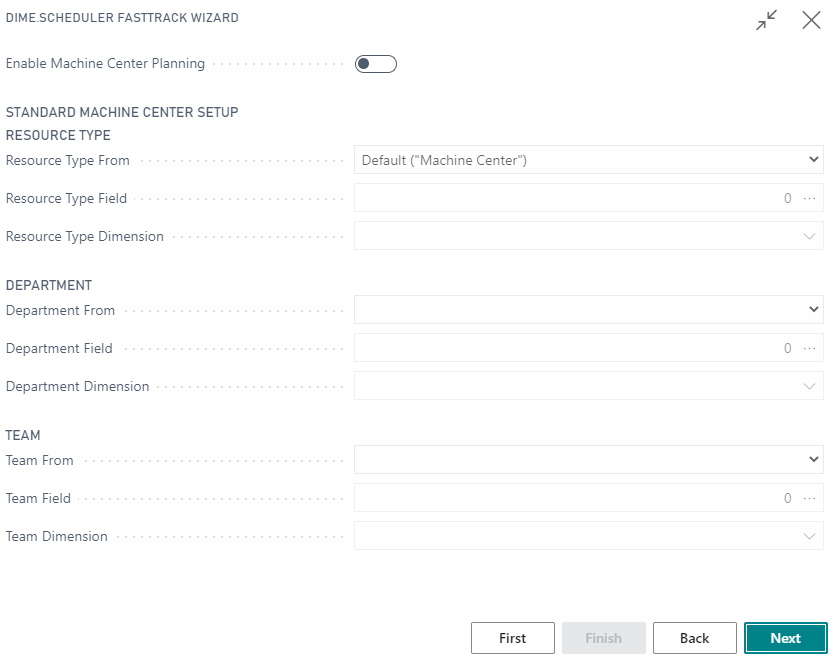
Enable machine center solution
Machine center planning is off until you switch it on in the FastTrack wizard. Select Enable Machine Center Planning to turn on the solution.
Usage
Actions
Once the solution is enabled, the integration extends the standard machine center pages with the actions and field below.
List Actions
See common actions for an overview of the list actions for this type.
Card actions
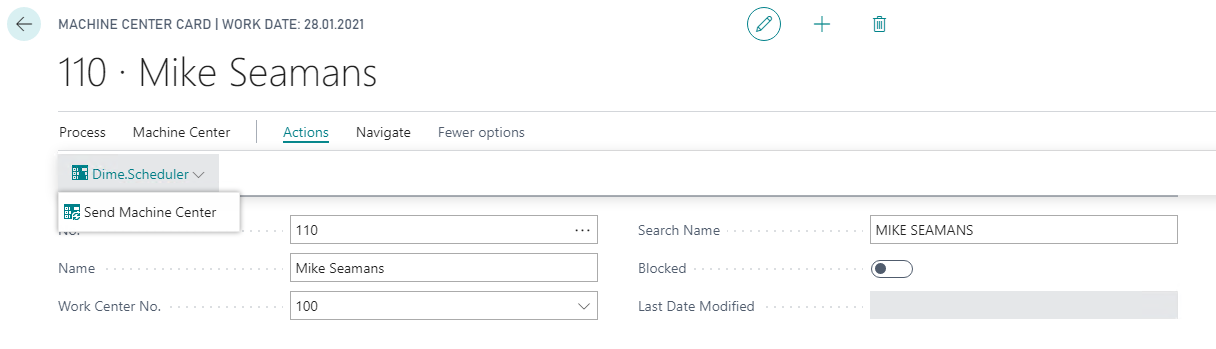
The machine center card gains one action:
- Send machine center
Fields
Alongside the standard fields, the integration adds one field for Dime.Scheduler:
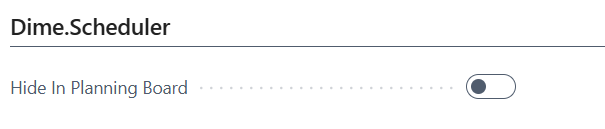
- Hide in planning board
This is your escape hatch for a machine center you have sent but do not want cluttering the board, for example one that is decommissioned or planned elsewhere. The record stays in Dime.Scheduler, but the planner no longer sees it as a row.