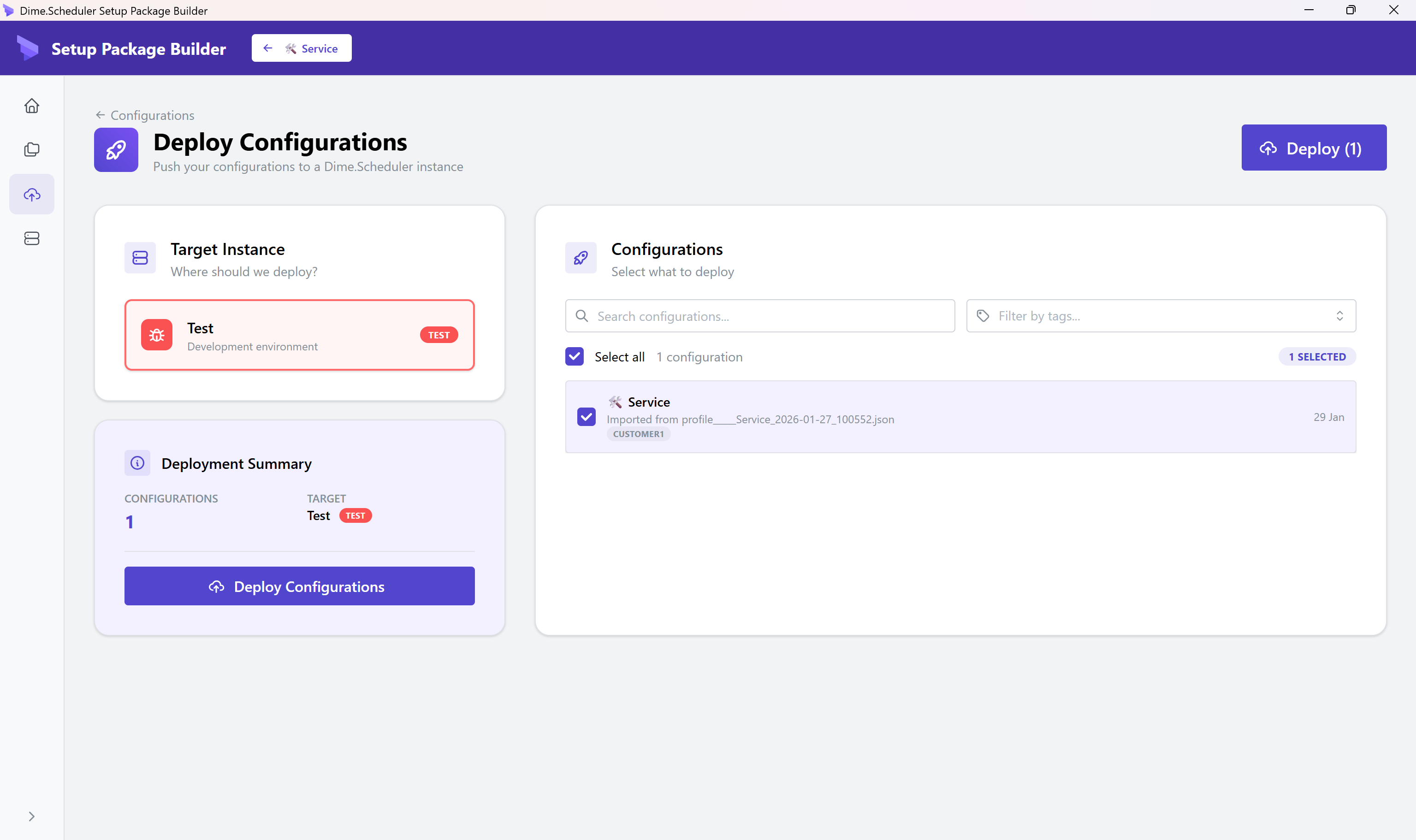
Setup packages desktop application
Setup packages are currently in preview. Functionality, file format, and behavior may change between releases. Not recommended for production deployments yet.
Setup packages are JSON5 files at their core, and you can build them by hand if you want to. Most administrators do not want to. The desktop application is the visual alternative: a workspace for creating, managing, and deploying setup packages without opening a text editor.
It is the right tool when you are building a new configuration from scratch, exploring what fields exist, or doing a one-off deployment. For repeat deployments in a CI pipeline, switch to the CLI - the desktop is for humans, the CLI is for scripts.
Installation
Install via Scoop on Windows:
scoop bucket add dimescheduler https://github.com/dime-scheduler/distro
scoop install dimescheduler/setup
On macOS, install via Homebrew:
brew tap dime-scheduler/distro https://github.com/dime-scheduler/distro
brew install --cask dimescheduler-setup
Pages
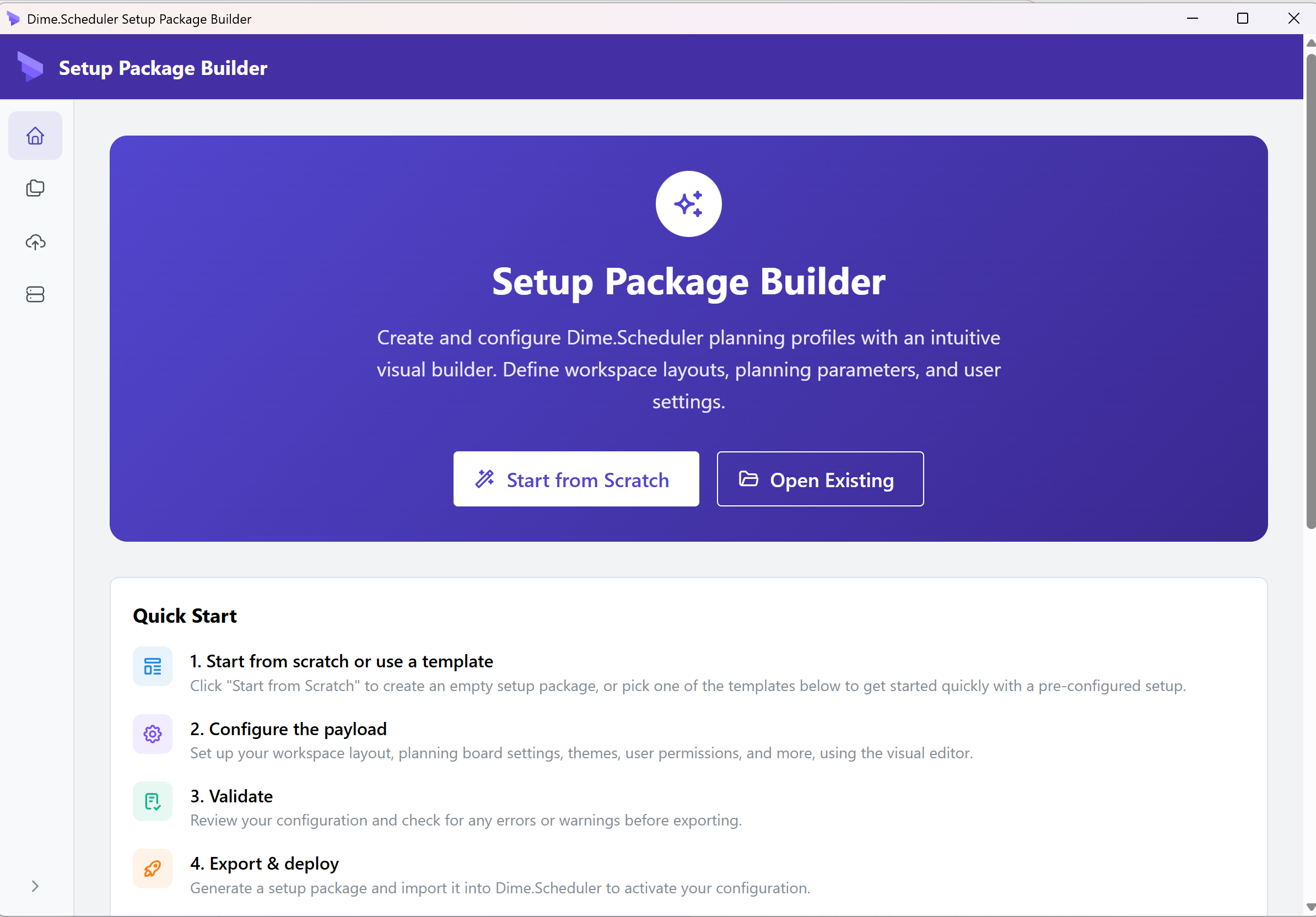
Landing page
Your starting point, with quick access to:
- Create new configuration
- Open existing configuration
- Recent configurations
- Quick-start templates
Wizard
The wizard walks you through creating a configuration step by step.
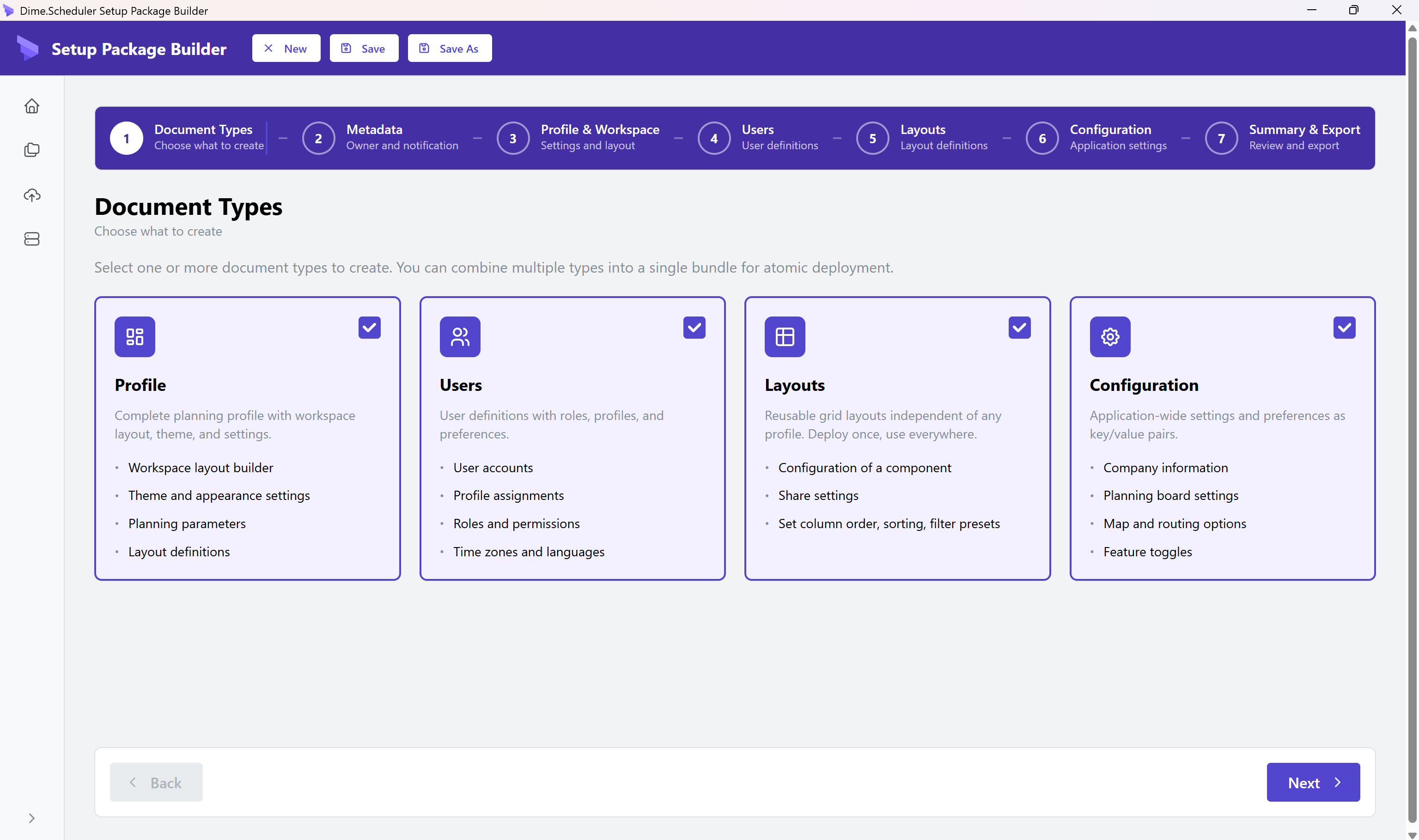
1. Document types
Choose profile, layouts, users, configuration, or bundle.
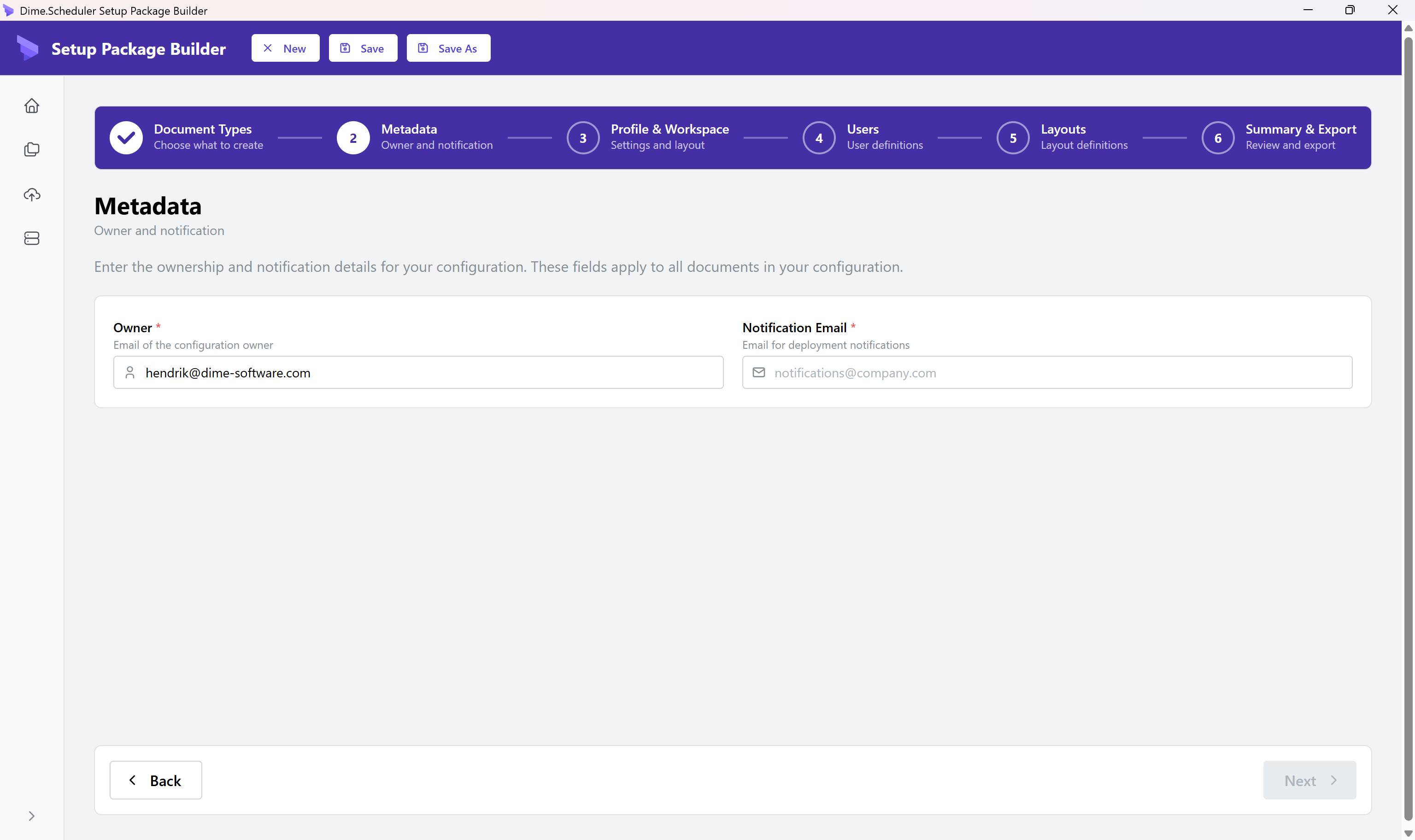
2. Metadata
Set owner and notification email:
- The owner email refers to a user that already exists in Dime.Scheduler. This user will be the owner of the new entities.
- The notification email receives a report once the import has completed.
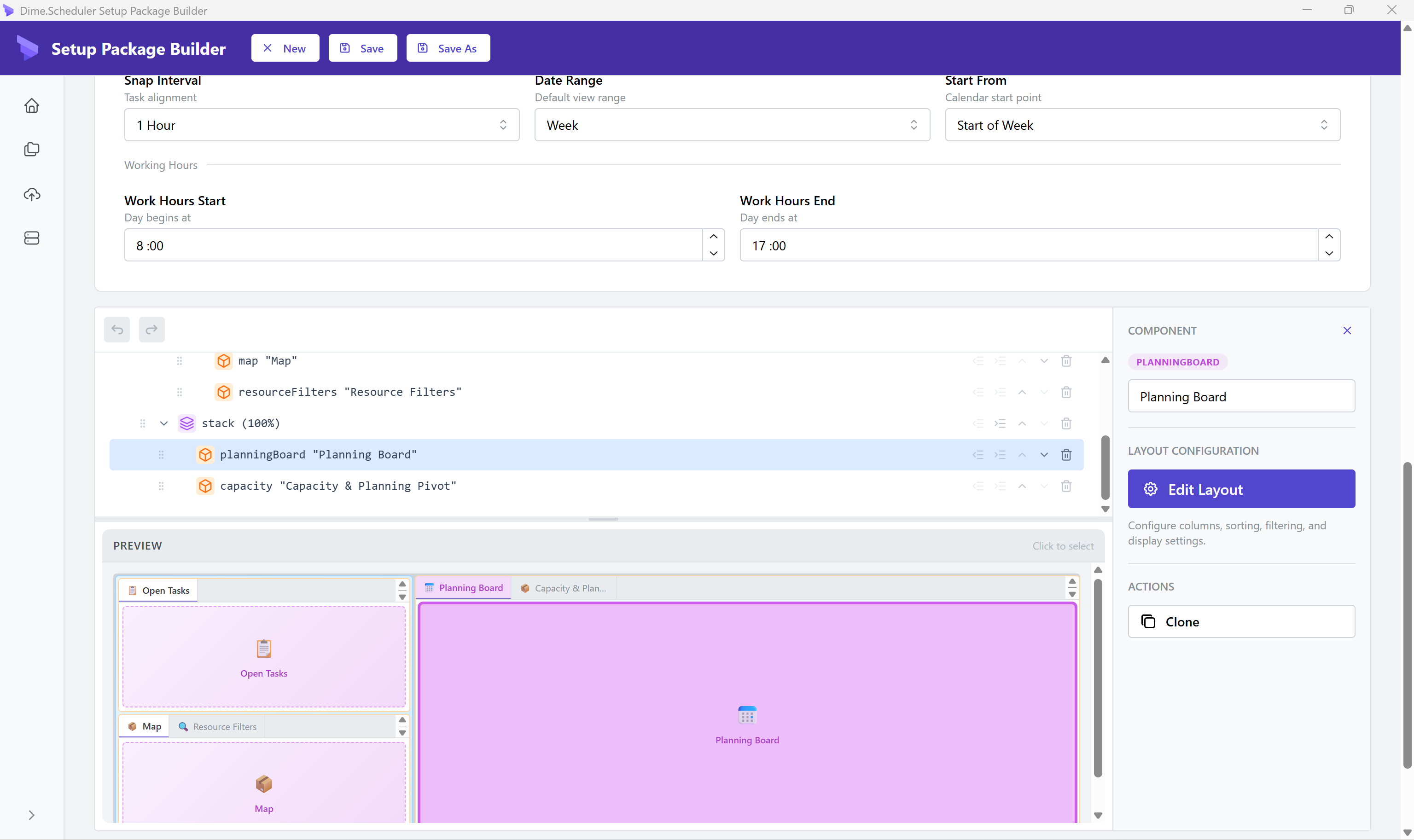
3. Profile settings and workspace builder
Configure theme, routing, and planning (for profiles), and a visual layout editor (for profiles).
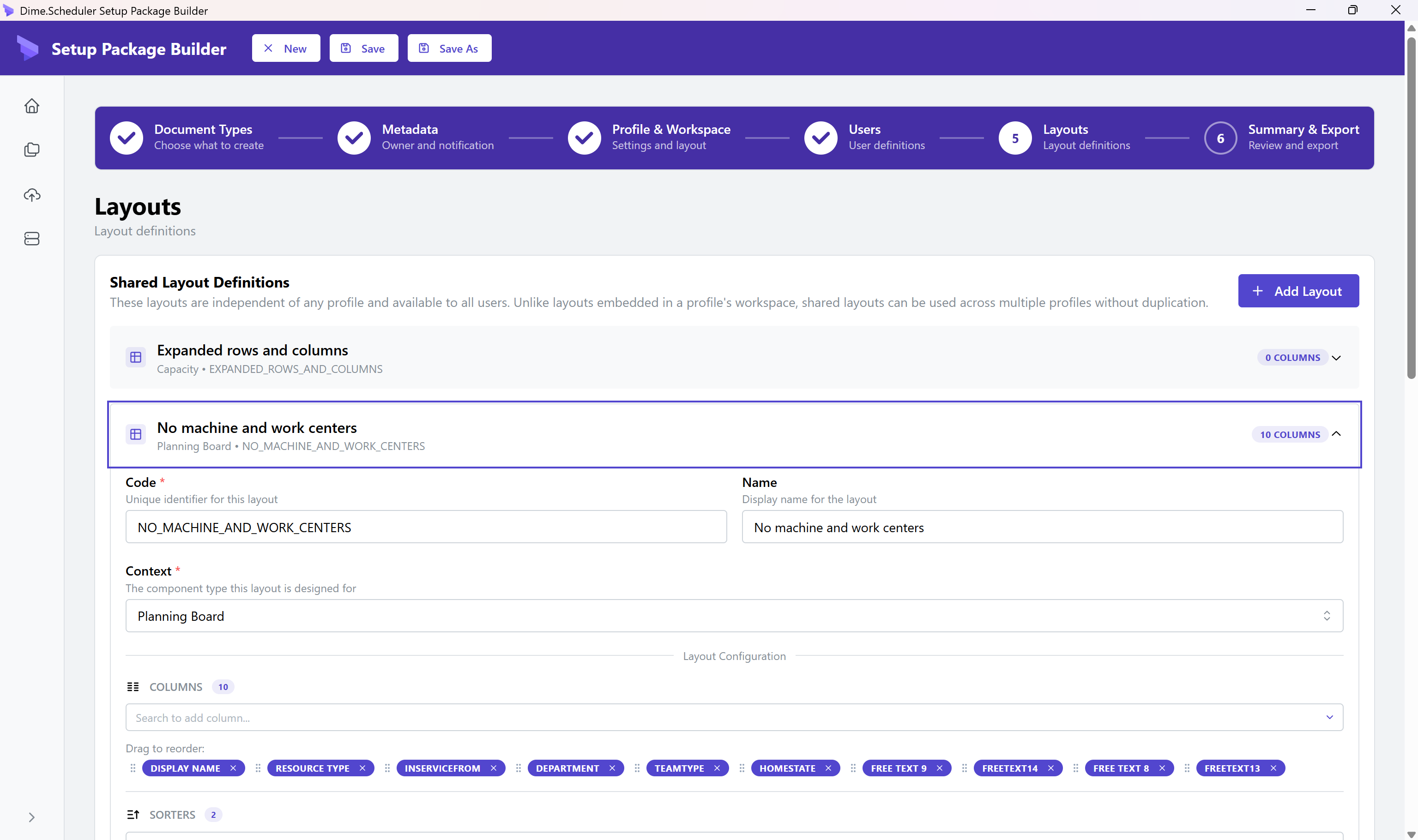
4. Layouts
Define grid layouts.
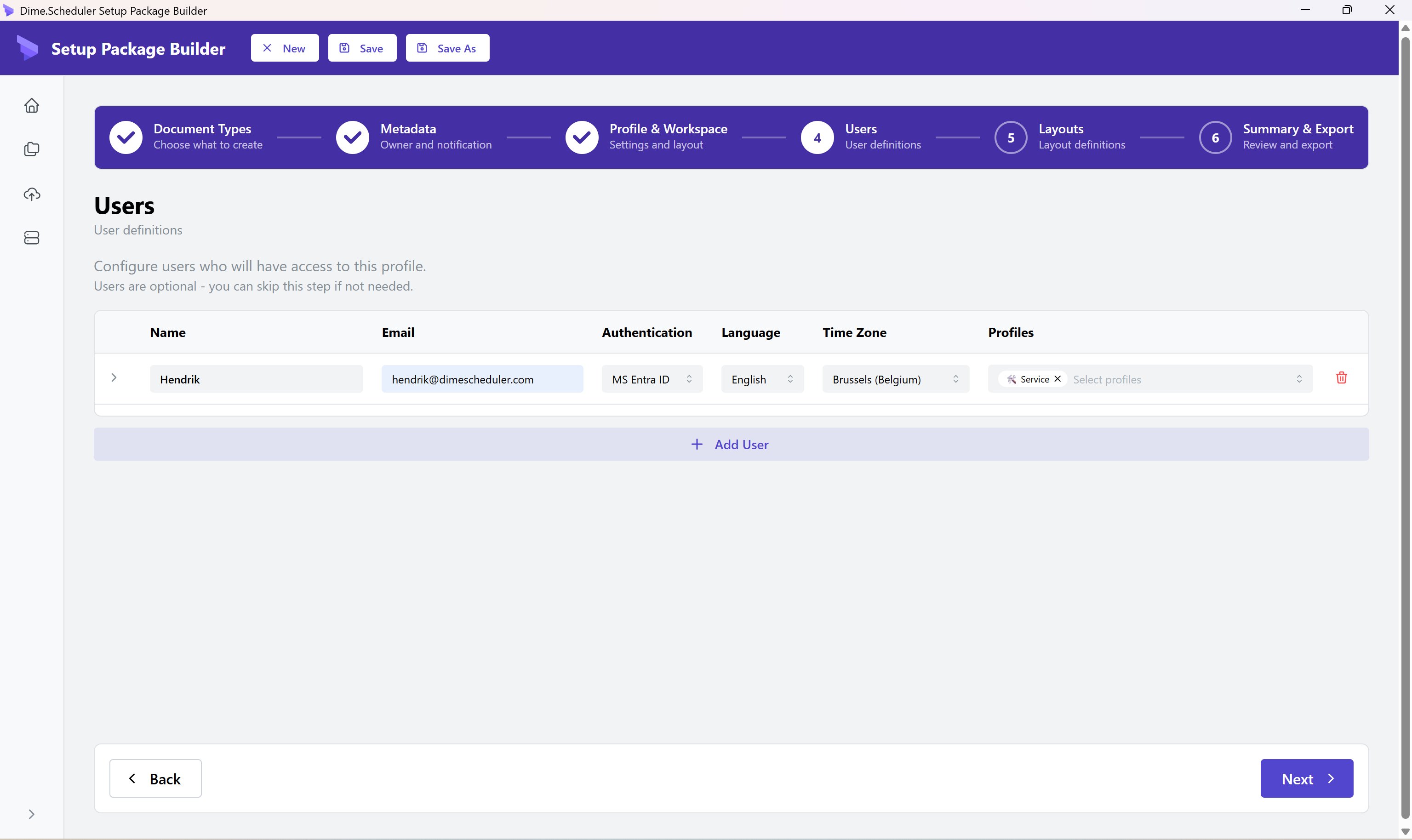
5. Users
Manage user accounts (for users/bundles).
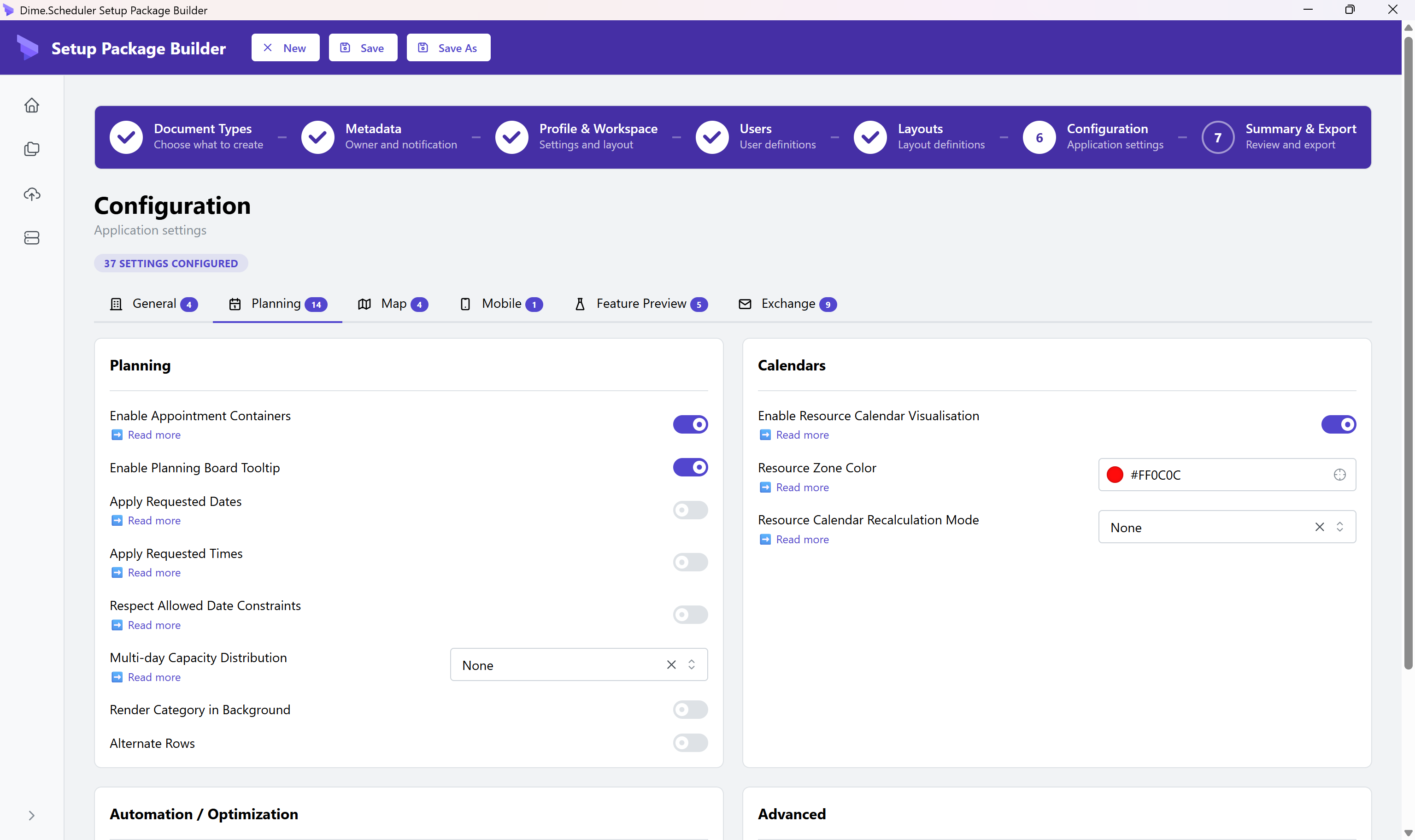
6. Configuration
Import and export application configuration settings. Configuration documents contain key/value pairs for system-wide settings. See the Configuration section for the full list of available keys.
7. Summary and deploy
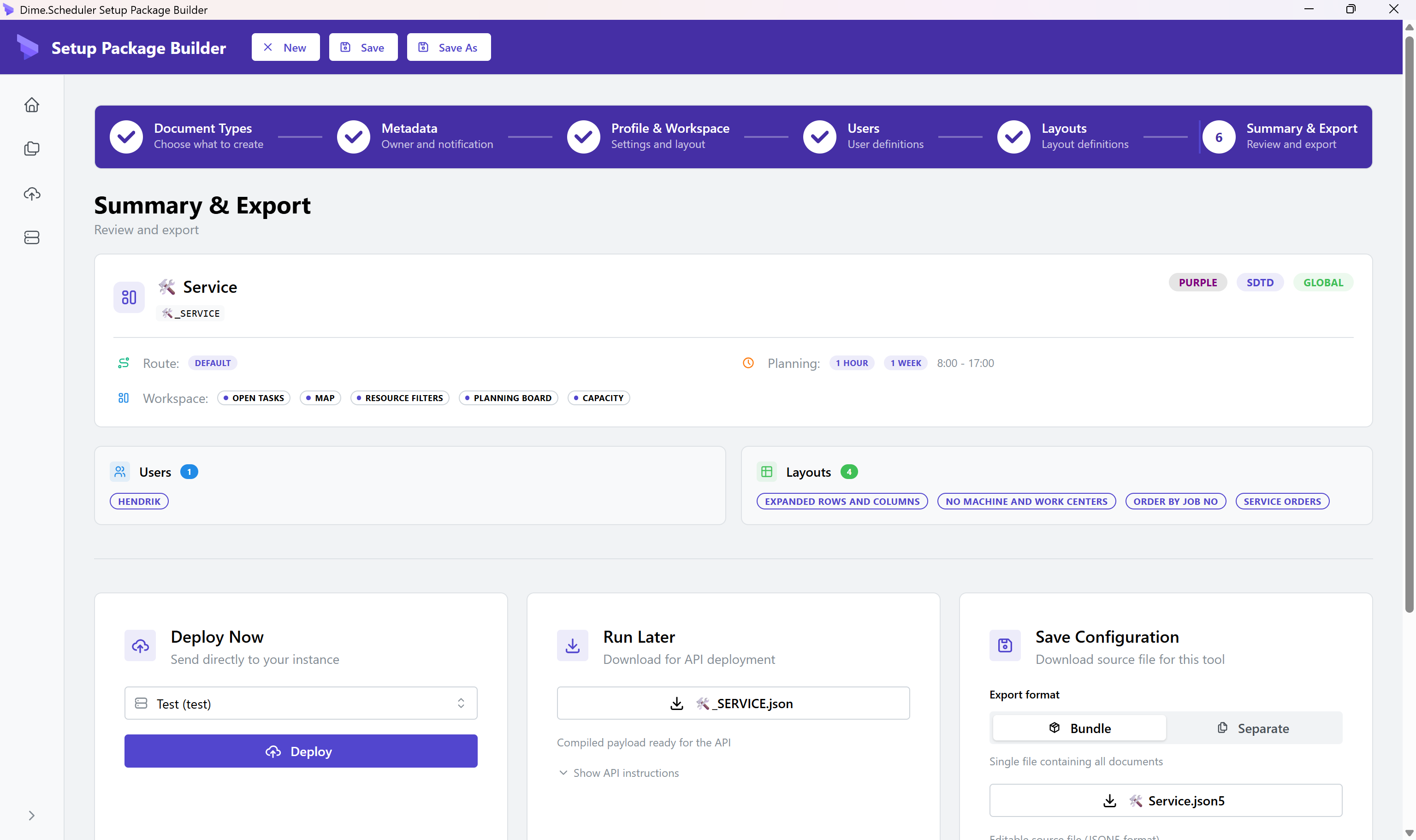
- Review configuration
- Configure merge strategy (for bundles)
- Save or deploy
Configurations
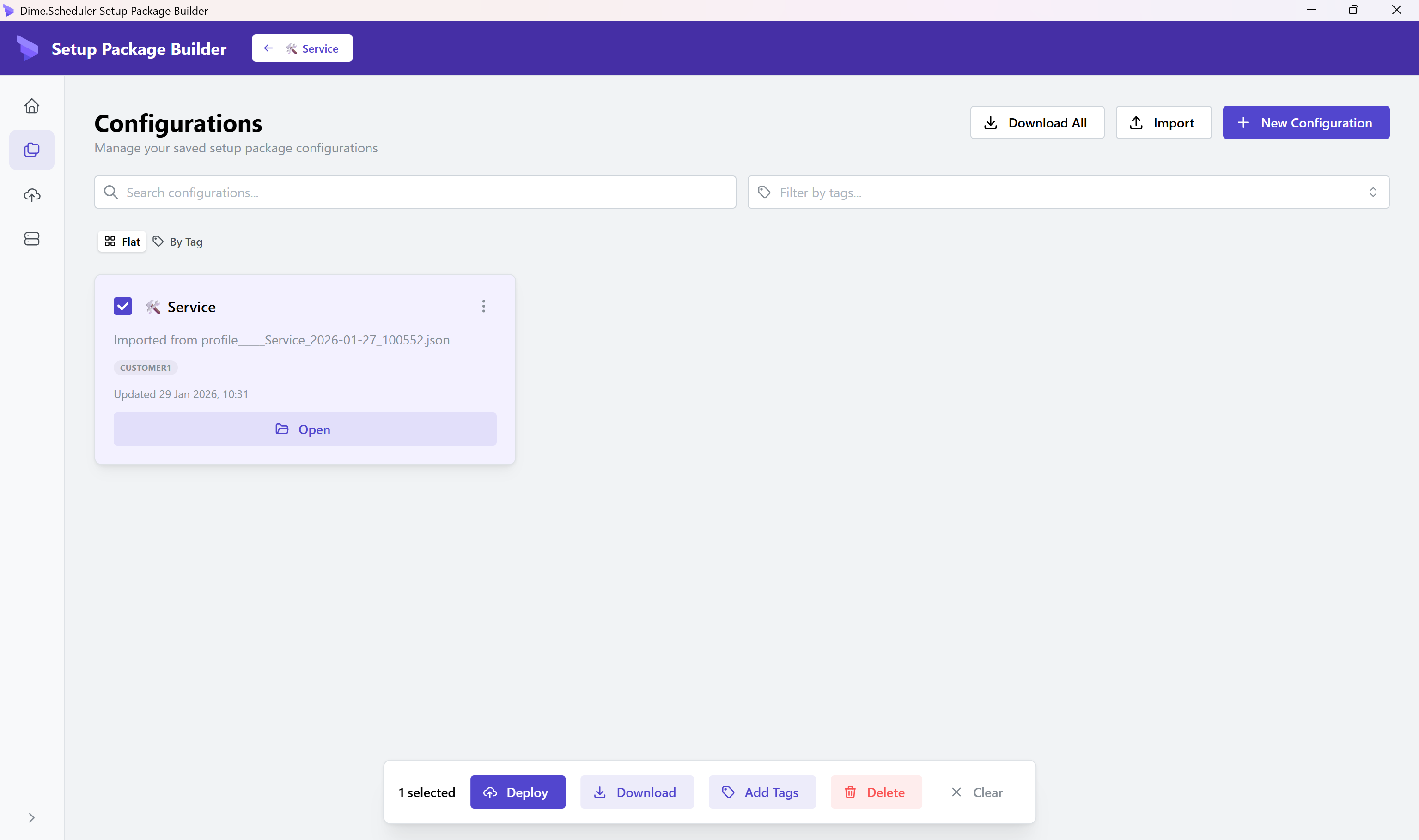
Manage saved configurations:
- View and edit existing configurations
- Duplicate configurations
- Delete configurations
- Export as JSON5 or JSON
Instances
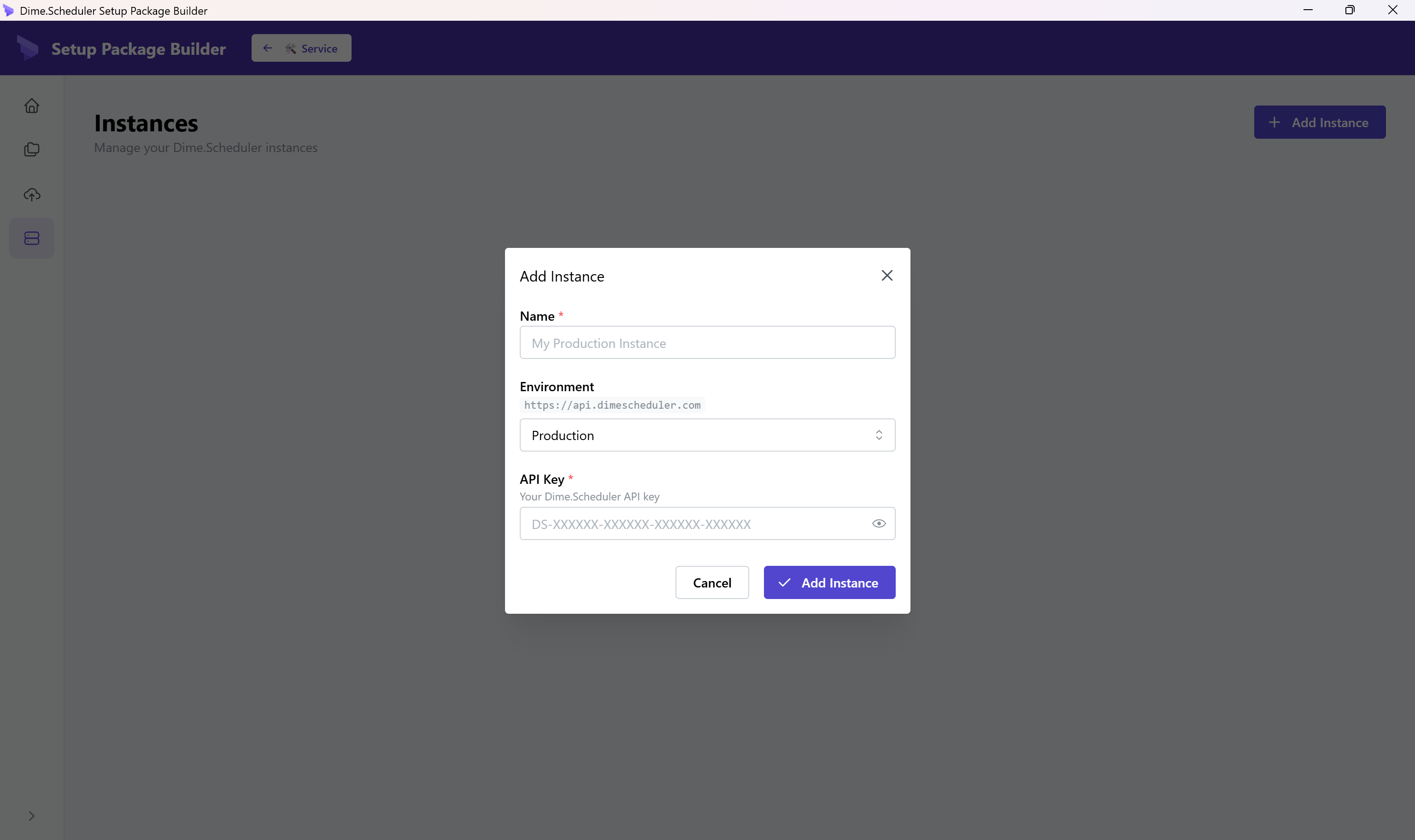
Configure Dime.Scheduler instances for deployment:
- Add production, sandbox, or test instances
- Store API keys securely
- Test connectivity
Deploy
Bulk-deploy configurations to an instance of choice: